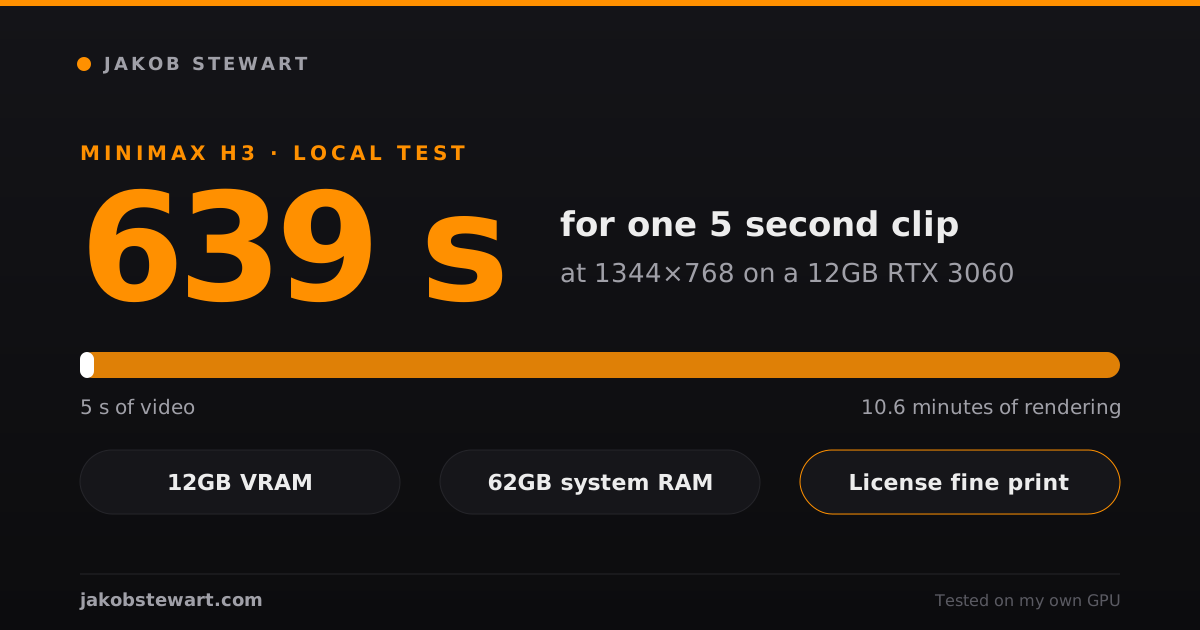
639 seconds. That is how long my RTX 3060 took to make one 5 second MiniMax H3 clip at its native 1344×768.
So yes, H3 runs on a 12GB card. I tested it on September 3, 2026, and below you get my real numbers plus what the license actually says.
My setup
It’s the same PC I use for everything else, nothing special.
- GPU: RTX 3060 with 12GB of VRAM
- System RAM: 62GB
- ComfyUI: v0.34.2, which has native MiniMax H3 nodes
- Model: the Ref2VA checkpoint,
pruned_int8_convrot, 21GB - Text encoder: Qwen3-VL 32B in nvfp4, 15.7GB
- Speed-up: the official 4 step turbo LoRA
Yes, the model file is almost twice the size of my VRAM. ComfyUI swaps weights between the card and system RAM, and that offload is what makes it work.
MiniMax’s own integration table lists this int8 file under 24GB cards. On my 12GB card it ran fine, but I had 62GB of RAM behind it, and I can’t tell you how much less would still work.
The real numbers
Every run below is a 5 second clip, 16:9, 4 steps with the turbo LoRA.
| Resolution | Time per clip | Peak VRAM | Clips in 8 hours |
|---|---|---|---|
| 608×352 | 122 s | 11.4 GB | ~235 |
| 864×480 | 294 s | 11.3 GB | ~98 |
| 1120×640 | 599 s | 11.4 GB | ~48 |
| 1344×768 (native) | 639 s | 11.1 GB | ~45 |
| 1600×896 | 1045 s | 11.1 GB | ~27 |
| 1920×1088 | out of VRAM |
1600×896 is the ceiling on this card. At 1920×1088 it ran out of memory.
The weird one is 1120×640. Going up to 1344×768 gives you 43% more pixels for only 7% more time, so I just skip 1120×640.
The turbo LoRA is worth it, with one catch. Without it, 20 steps at 608×352 took 304 seconds.
Sampling really does get about 5x faster with the turbo. But roughly 60 seconds of encoding and decoding stays fixed, so at low resolution that overhead eats a big part of the gain.
I also ran a longer test: 10 seconds, vertical 352×608, 20 steps without turbo, with a third party LoRA loaded. That one took 13 minutes 19 seconds.
The LoRA loaded without breaking anything. The result looked promising to me, but it still needs a lot of quality work.
The weights are the same ones a bigger card would load, so the output should match. On the 3060 you just wait much longer for it.
What did not work
⚠️ The GGUF files did not load for me. I tried the Q4_K model and the Q2_K text encoder with the ComfyUI-GGUF plugin on September 2.
The model failed with “Unknown model architecture!” and the encoder with “This gguf file is incompatible with llama.cpp!”. That is the path the official table suggests for 12GB to 16GB cards, so check whether the plugin supports H3 before you download 33GB of files like I did.
Your old LoRAs won’t carry over either. Out of 35 LoRAs I had installed, only 2 loaded on H3: the official turbo and one LoRA trained for H3. Everything made for SDXL, Wan, Flux or LTX failed.
2K is not part of the local release. The model card says the module for 2K output, H3-Regenerate-2K, is not open sourced yet.
Locally you get the base model, with 768 pixels on the short side by default. On my card that stretches to 1600×896 at most.
The 2K path goes through MiniMax’s API. The same model card says inputs there pass through automated moderation that may block content suspected of being pornographic.
What the license says
I read the full text on Hugging Face: MiniMax H3 Community License. It is dated August 2, 2026, and when I checked again on October 20 the file had not changed since the first upload.
I’m not a lawyer. So here is what the text says, quoted where it matters, and you decide what it means for you.
The territory clause
Section I.5 defines the excluded countries:
“Excluded Territories” means the European Union, the United Kingdom, the Republic of Korea and the United States of America.
The license grant in Section II applies “solely within the Applicable Territory”, which is the whole world minus those four.
Then Section V.4 says this:
You may not use, reproduce, modify, distribute, or display the MiniMax H3 Works or any of their Outputs or results outside the Applicable Territory.
Notice two words in there. It covers Outputs, so the videos you make, and it covers display.
The Acceptable Use Policy at the end of the license repeats it as item 1: “Use outside the Applicable Territory”.
MiniMax also published a license FAQ. It says the territory limit is meant to be temporary while AI rules in those regions settle.
The same FAQ says the API is available worldwide. People in the excluded regions can also apply for a separate license through this form.
The revenue cap
Section IV.1 says you need prior written authorization from MiniMax if your commercial products and services make more than 20 million US dollars a year. The request goes to api@minimax.io.
Below that number, commercial use is covered by the license, inside the allowed territory.
Section IV.2 adds one more rule. A commercial product or service that uses H3 has to show “MiniMax H3” prominently in its user interface.
Training other models
Section V.3 says you can’t use H3 or its outputs to improve any other AI model. H3 itself and its derivatives are the exception.
Fine-tunes and LoRAs count as Model Derivatives, and Section II allows them. They stay under the same license.
Labeling AI content
This one matters if you post your videos. Item 12 of the Acceptable Use Policy forbids putting H3 content in any public environment without clearly disclosing that it is machine-generated.
Adult content
I searched the license and the policy for a clause about sexual or adult content. There isn’t one that names it.
There are broad items, though. Item 2 requires following applicable law, and item 15 forbids use that violates “the social, ethical, or moral standards of other countries or regions”.
Smaller things worth knowing
- If you redistribute the weights, you have to include a copy of the license and a NOTICE file (Section III).
- If you let other people generate with H3 through your app or service, Section V.5 requires safeguards and a way to report abuse.
- MiniMax claims no rights over your outputs (Section VI.4).
- Disputes go under Hong Kong law (Section IX).
Before you build on H3
If I were starting today, this is the order I’d check things in.
- Read Sections I.5, II and V.4 of the license, and think about where you are and where your audience is.
- Make sure you have enough system RAM for the offload, because the int8 model alone is 21GB.
- Start at 1344×768 with the turbo LoRA, and expect about 10 minutes per 5 second clip on a 12GB card.
- Plan on training new LoRAs, since nothing from SDXL or Wan will load.
- Label everything you post as AI generated.
For the selling side of AI content in general, I wrote about it in Can You Sell NSFW AI Images?. If you’re still picking hardware, see my PC setup guide.
Want my next local video tests in your inbox? 👉 Subscribe For Free 👈
More tools I have tested live on NSFW AI Tools.