Do You Need a Good PC for AI NSFW, or Can You Use the Cloud?
My own PC runs on an RTX 3060 with 12 GB, a card you can find used today. It handles SDXL fine and even some local video, if I am patient.
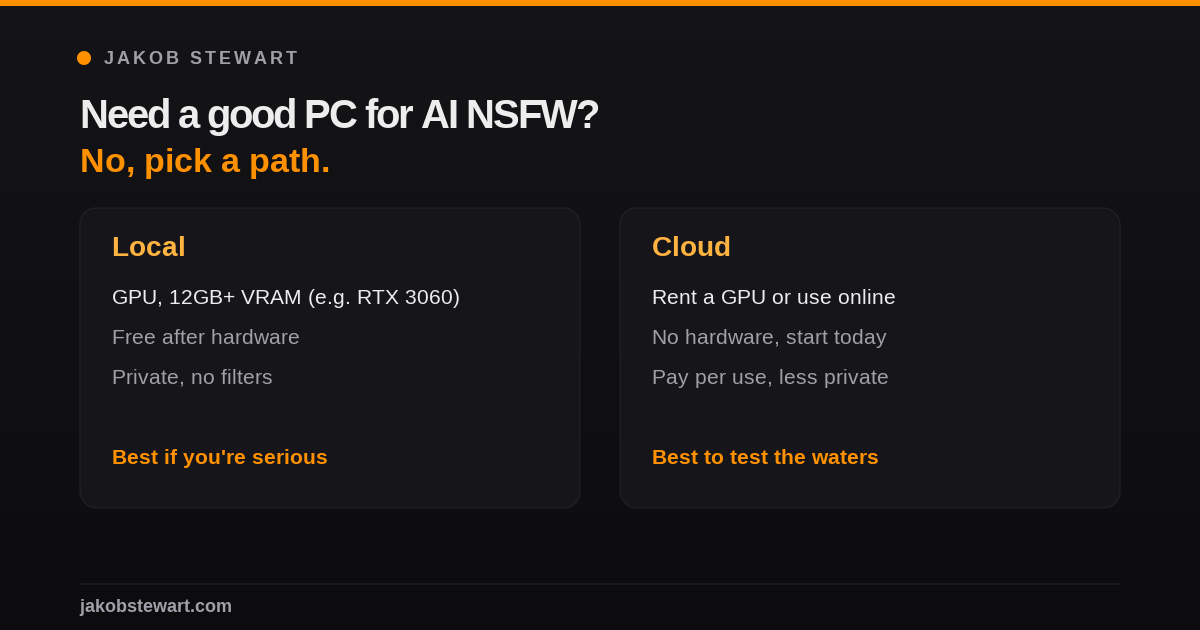
So no, you do not need a monster PC. You can run things at home or rent power online, and I’d choose based on how much you plan to generate.
Path 1: run it locally
You install Stable Diffusion on your own machine. For that you want an NVIDIA GPU, and VRAM is the number that matters most.
- 12 GB is the comfortable minimum. A used RTX 3060 12 GB is still the classic budget pick.
- If you are buying new, look at the 16 GB cards, like the RTX 5060 Ti 16 GB. The extra memory helps a lot with newer models and video.
- 8 GB works for lighter SDXL stuff, with some patience.
Once you own the card, generating costs you nothing. It is also fully private, since nothing leaves your PC, and nobody filters your prompts.
What you pay is the card itself, plus an afternoon of setup. For heavy use, that money comes back over time.
Path 2: use the cloud
No hardware needed. You either rent a GPU by the hour (services like RunPod) and run the same software, or you use an online NSFW generator that does it all for you.
You can start today on any laptop, even a phone, without spending money up front.
In exchange you pay per hour or per month. It is also less private, because your prompts and images sit on someone else’s servers, and some online tools filter what you can make.
Rent for two weeks before you buy
The honest way to size a card is to find out how much you really generate. Rent cloud time for two weeks and keep a note of the hours you use.
Most people overestimate. A couple of evenings a week on an hourly GPU stays cheaper than a card for a long time, and the note tells you when that stops being true.
Watch what you spend the waiting on. Waiting on a queue points at a card at home, while waiting on your own judgement about which image to keep points at nothing you can buy.
Rent the same class of card you plan to own. Renting the biggest machine on the menu teaches you how that machine feels and nothing about the one in your budget.
If you go local, do it in this order
Install the base and generate one plain image before you add anything else. A working plain setup is what you compare every later problem against.
Then add one checkpoint, chosen because people in your niche use it. Keep it until you can get a face you like out of it twice in a row.
Only then add the face pass, the upscaler and the LoRAs, one at a time. Adding three pieces at once gives you a broken result and no idea which piece broke it.
Keep a plain text note of the settings that worked: model, sampler, steps, seed. That note is the difference between rebuilding her next month and starting from scratch.
Leave the drivers alone once it all works. A quiet machine that generates is worth more than the newest version of anything.
Which one I would pick
If you are only trying this out, start in the cloud or with an online generator. Please don’t buy a GPU only to find out you don’t enjoy this.
If you already know you’ll keep going, or privacy is a big deal for you, I’d go local with at least 12 GB of VRAM.
For hardware details, see Cheapest PC for Stable Diffusion. To understand the software, read what Stable Diffusion is, and I keep the online generators I’d consider on this tools page.
Earn Money with NSFW AI
If you want the whole operation laid out for you, my course goes through it step by step.
One payment of $49. Modules 1 to 3 are ready now.