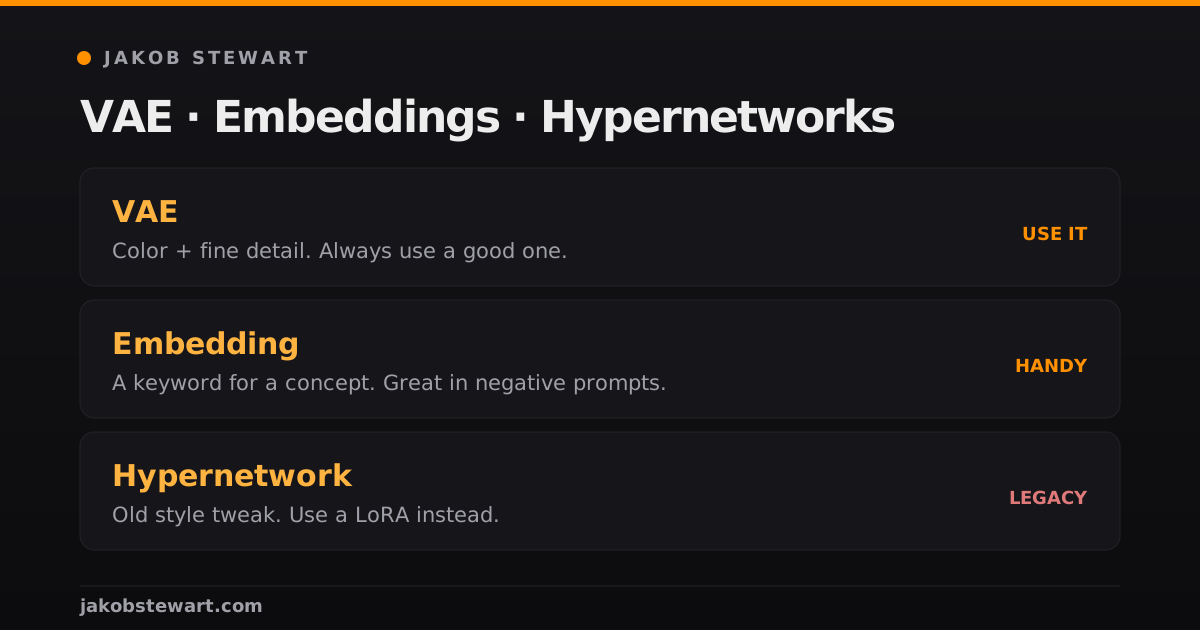
Once you get checkpoints and LoRAs, three more words start showing up everywhere: VAE, embedding, hypernetwork.
Most guides explain them with heavy math. Here is how I explain them to beginners, plus which one I’d actually pay attention to.
VAE, color and fine detail
A VAE is the part of the model that translates between the image and the compressed “latent” space the AI works in. In plain terms, it turns the math back into a picture.
A good VAE recovers fine detail better, like eyes and skin texture. A bad or missing one gives you that washed-out, greyish look people complain about.
Of the three, the VAE is the one I’d check every time. Pick a model with a good baked-in VAE, or load a known good one yourself.
Embedding, a keyword for a concept
An embedding (also called textual inversion) is a tiny file that packs a concept into a single keyword. You type the keyword and the model expands it into that concept.
It does not change the model. It can only point at things the model already knows, which is why embeddings are small and safe to stack.
I mostly use them in negative prompts. One “bad hands” style embedding in your negatives can fix many small errors at no cost.
Hypernetwork, the old way
A hypernetwork is an extra small network that nudges the output toward a trained style.
Hardly anyone trains them anymore. I tried them in the early days and stopped quickly, because LoRAs do the same job better for style and character work.
If a guide from a few years ago tells you to train a hypernetwork, train a LoRA instead.
Where each file goes
All three are files you drop in a folder, and the front end finds them after a refresh.
In Automatic1111: the VAE in models/VAE, the embedding in the embeddings folder, the hypernetwork in models/hypernetworks.
In ComfyUI: models/vae and models/embeddings, inside the same models tree.
Then choose the VAE in the settings or with a loader node and leave it selected. An embedding needs no loading at all: write the file name in the prompt and it fires.
How to spot a bad VAE in one look
Run the same prompt and the same seed twice, once with the VAE and once without it.
Look at the eyes, the teeth and the skin. A good VAE sharpens those three and leaves the colors deeper.
The washed out version, with grey shadows and mushy eyes, is what a missing VAE looks like.
One rule saves most of the pain: the VAE has to match the model family. An SD 1.5 VAE on an SDXL checkpoint gives you noise or a brown mess.
Three mistakes I see most
Ten embeddings in the negative prompt. Two is plenty, and past that they start pulling against each other.
Blaming the checkpoint for a VAE problem. People swap models for an hour when one setting was the whole fix.
Hunting a hypernetwork that a LoRA already covers. Search for the same style or character as a LoRA first, and you will usually find it.
How this fits with checkpoints and LoRAs
Quick map: the checkpoint is the brain, a LoRA teaches it something specific, the VAE finishes the image, and an embedding is a shortcut keyword.
I break down the first two in What Are Checkpoints and LoRAs?.
What I would use in 2026
Always use a good VAE. Keep a couple of embeddings in your negatives, and skip hypernetworks in favor of LoRAs.
New to all of this? Start with what Stable Diffusion is, If you’d rather generate online without installing anything, these NSFW AI tools are the ones I’d look at.